Scheduling with Excel or Software? An Honest Comparison
Compare Excel and scheduling software fairly: three business examples, transparent costs and a controlled switch.
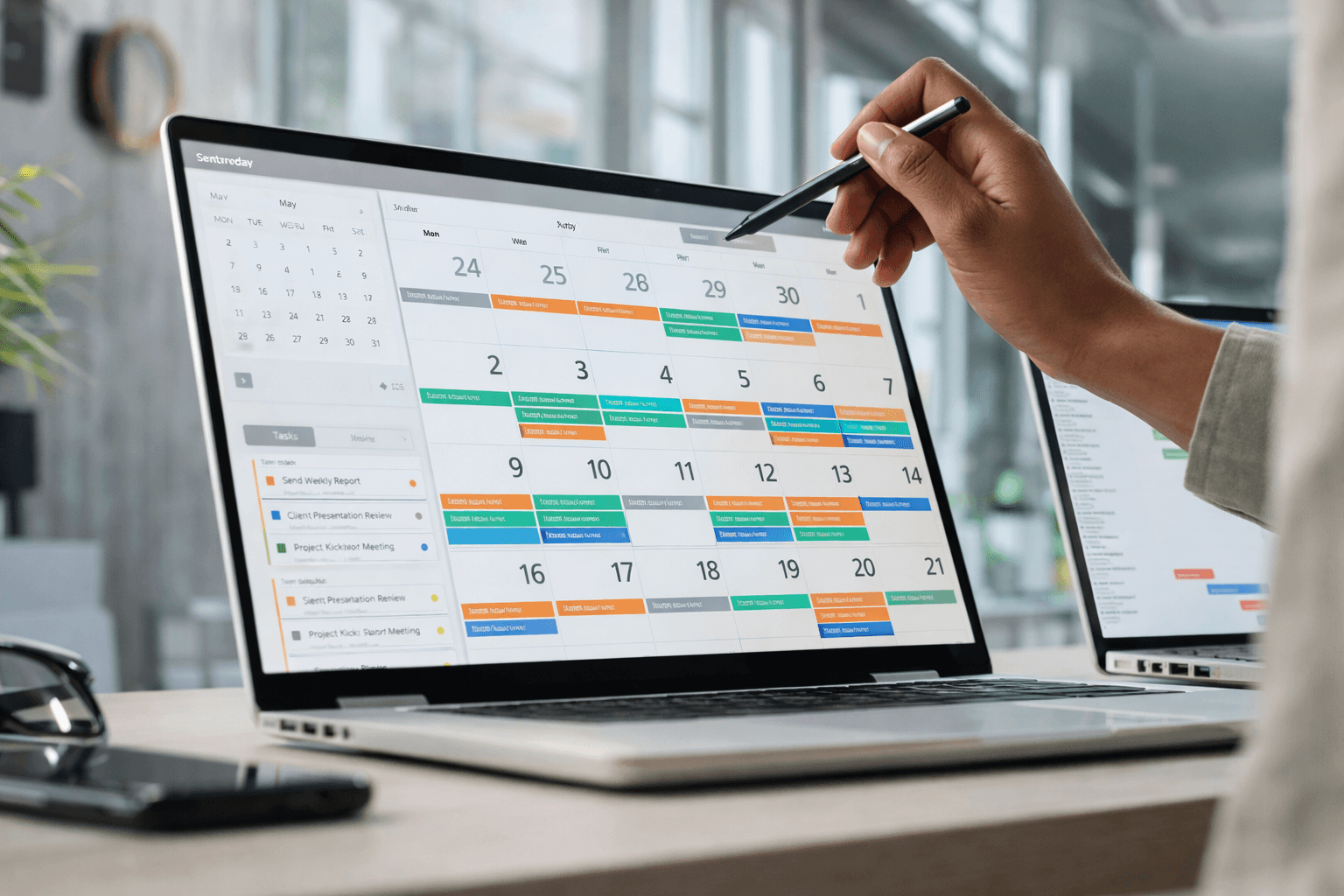
A stable schedule for five people needs different support from a team with changing temporary staff and several work locations. Consider the changes, responsibilities and recurring tasks in your business. Headcount alone does not determine whether you need software.
This guide compares Excel and scheduling software through practical decisions. The business scenarios and time estimates are explicitly fictional examples. Shiftdesk publishes this article as a software provider; it is not an independent market study.
Why businesses plan with Excel
An existing spreadsheet can reflect roles, opening hours and recurring shifts. If a suitable Excel version is already licensed, there may be no additional license cost. Maintaining formulas, access rights and cover for the person who plans still takes work.

Excel vs. software: a fair feature comparison
The comparison depends on version and setup: Microsoft 365 supports co-authoring and displaying changes. Excel is therefore not limited to email attachments or files without a history. You still need to build and maintain the relevant business rules and approval process.
Microsoft explains co-authoring and displaying changes.
| Criterion | Excel / spreadsheet | Scheduling software |
|---|---|---|
| Plan maintenance | Flexible structure; maintain formulas, views and templates yourself | Shifts, staffing and templates in a dedicated planning workflow |
| Collaboration | Co-authoring depends on version and cloud storage | Roles and a published plan; notifications depend on setup |
| Availability and absences | Bring these together in the workbook or an additional process | Requests and availability in the system; a responsible person decides |
| Checks | Your own formulas and manual checks | Notices depend on supported rules, plan and configuration |
| Working-time account | Maintain actual hours and calculation rules separately | Available in Shiftdesk from Pro; review contracted target hours, recorded time and settings |
| Cost | Include existing licenses, maintenance and coordination | Include subscription, headcount, setup and ongoing planning |
| History | Change display and version history depend on version/setup | Check what the history covers for the specific process |
Where Excel can be enough
Excel may be sufficient for scheduling when changes are rare, everyone can find the current plan and a colleague can take over the workbook. Actual working hours still need to be recorded separately: a planned shift is not evidence of the work actually performed.
Three fictional businesses: which option fits?
Five people with stable shifts
One person maintains the weekly plan and cover is rarely needed. A clearly named workbook, saved versions and an agreed change process may be enough. Switching to software is not automatically useful here.
15 people with changing temporary staff
Availability, leave and last-minute swaps create recurring questions. Test whether shared planning reduces this coordination. Minijob earnings and contracted hours still require appropriate review.
Two branches sharing cover
Check who can schedule both locations and how staff see their published work location. Shiftdesk Basic supports up to three locations; Pro may be relevant for working-time accounts, payroll preparation or more locations.
Where a spreadsheet reaches its limits
A recurring problem is a reason to run a trial: conflicting plan versions, duplicate absence records or repeated questions after changes. Track the work involved for two weeks. A fixed claim such as “software pays off from ten employees” cannot replace this assessment.
What scheduling software can contribute
Shared schedule
Prepare and publish shifts, then check what employees can see.
Employee requests
Handle availability, leave and shift swaps through the intended workflow. The responsible manager still makes approval decisions.
Templates
Prepare recurring shifts and review any changes in the copied week.
Time and reporting
Compare planned shifts with recorded hours. Working-time accounts and payroll preparation are included in Shiftdesk from Pro.
The scheduling software guide explains features and plan limits.
Compare costs with explicit assumptions
Compare subscriptions and staff time over the same period. Use current Shiftdesk pricing for your own calculation. This example uses Pro for a fictional team of 15 people who also want to evaluate working-time accounts and payroll preparation. The subscription uses regular monthly billing, excluding VAT.
Fictional assumptions for a sample month with four planning weeks: 2 hours of planning per week with Excel, 1 hour with software, and staff time valued at €30 per hour. A suitable Excel license is already available. The assumed time reduction is not a measured customer result or a promise.
| Cost over the example period | Excel | Shiftdesk Pro |
|---|---|---|
| Additional software cost | €0 | €56.70 |
| Value of planning time | €240 | €120 |
| Total recurring cost | €240 | €176.70 |
Under these assumptions, the calculated difference is €63.30 over four weeks. Setup is additionally estimated at 3 hours × €30 = €90. Training, data preparation, hardware and existing licenses may add further costs.
If you save only 20 minutes over the whole period, that is €10 of time at €30 per hour. That saving alone does not cover Pro. A clearer overview may still be valuable; assess that benefit separately.
Your calculation: hours saved × value per hour − additional recurring costs. Measure time before and during a pilot using the same planning tasks. Lower effort does not automatically produce an equivalent cash saving or reduction in staffing cost.
Calculate current pricing for your team.
Prepare the switch
Start with a limited pilot and agree a switchover date. A parallel trial needs one clearly identified authoritative schedule so the team does not receive conflicting instructions.
Prepare the data
Clean up employee names and personnel numbers. Prepare locations, roles, contracted hours and recurring shifts. Transfer only necessary data with appropriate access rights.
Confirm the transfer options
Check the actual supported fields and file requirements before buying. A generic CSV import does not mean every workbook, contract or historical working-time balance transfers completely.
Plan a pilot week
Build the first schedule. Review a leave request, a short-notice change and a replacement. Employees check the published version using their own roles.
Agree the date and verify values
Compare transferred data against its source. Opening balances and pending requests need an explicit transfer decision; older records remain accessible for the required retention periods.
This article does not promise a complete import of arbitrary Excel schedules or historical working-time accounts into Shiftdesk. Confirm a suitable transfer process for your records and rebuild the first week in a controlled way.
Your decision checklist
- What recurring problem should the change solve?
- Which schedule is authoritative and who can change it?
- Can employees use their roles and devices successfully?
- Does the chosen plan include the features you need?
- Is the transfer process clear for the data you actually need?
- Does the pilot show a benefit that justifies the total effort?
If your current workbook already meets these needs, you can keep using it. If a pilot demonstrates a suitable benefit, an agreed switchover date helps everyone move together.
Frequently asked questions
Can Excel be enough for a work schedule?
Yes. A maintained workbook can be enough when routines are stable, changes are limited and responsibilities are clear. The actual planning task matters more than headcount alone.
What does Shiftdesk cost for the example team?
For 15 employees, Basic costs €47.50 and Pro €56.70 with regular monthly billing. All amounts are per month, excluding VAT. Pro includes working-time accounts and payroll preparation. The subscription uses regular monthly billing, excluding VAT. See the pricing page for annual billing, current promotions and the full feature comparison.
Is an Excel schedule already a working-time record?
No. A schedule describes planned hours. Time recording needs reliable records of the work actually performed, including deviations. The general recording obligation currently does not require particular software; the specific implementation needs assessment.
How much time will switching save?
That cannot be stated reliably without knowing your workflow. The time values in this article are fictional assumptions. Compare the same planning tasks in a pilot and include setup, ongoing maintenance and coordination.
Can I import any Excel file directly?
That depends on supported fields and formats. Check employee details, contracts, schedules and opening balances separately. This article does not promise complete import of arbitrary Excel schedules or historical working-time accounts into Shiftdesk.
Test the decision against your own workflow
Start with a specific problem and compare a small pilot area. A suitable solution makes responsibilities, changes and the current schedule clear. Your business workflow determines whether Excel or software fits better.
Use the free schedule template.
Sources and context
BAG decision 1 ABR 22/21: recording actual working hours.
General information for businesses in Germany, not individual legal advice. Cost examples use explicitly assumed time values. Product and source review: 11 September 2026.
The Shiftdesk team writes about scheduling, time tracking and labor law in the DACH region — practical and easy to follow.
Related to this topic
Take the next step with the relevant Shiftdesk solution or a free tool.
More articles

Creating a Staff Schedule: The Complete Guide for Shift Operations [2026]
Create a staff schedule step by step: legal foundations, 4 shift models compared, a 7-step guide, and the 10 most common mistakes.

Creating a Shift Schedule: Models, Rules and Guide [2026]
Creating a shift schedule for 2-, 3- and 4-shift systems: a step-by-step guide, ArbZG rules for night work and the 5 most common mistakes.

How to Compare Time Tracking Tools: A 10-Point Checklist for SMEs
Compare time tracking tools against your workflow: 10 criteria, concrete pilot cases and checks from clocking in to payroll handoff.