





Scheduling app – your team always has the plan on hand.

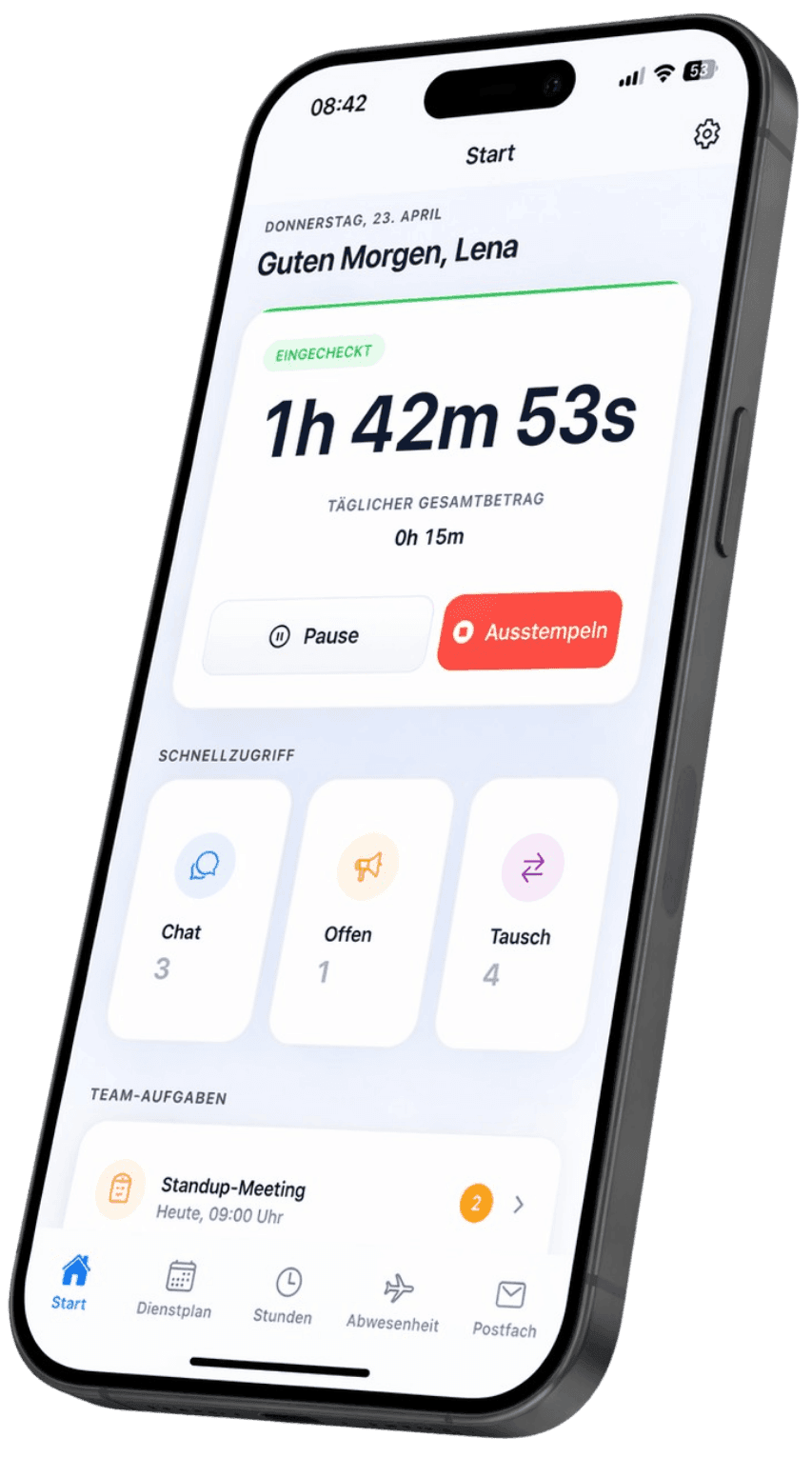
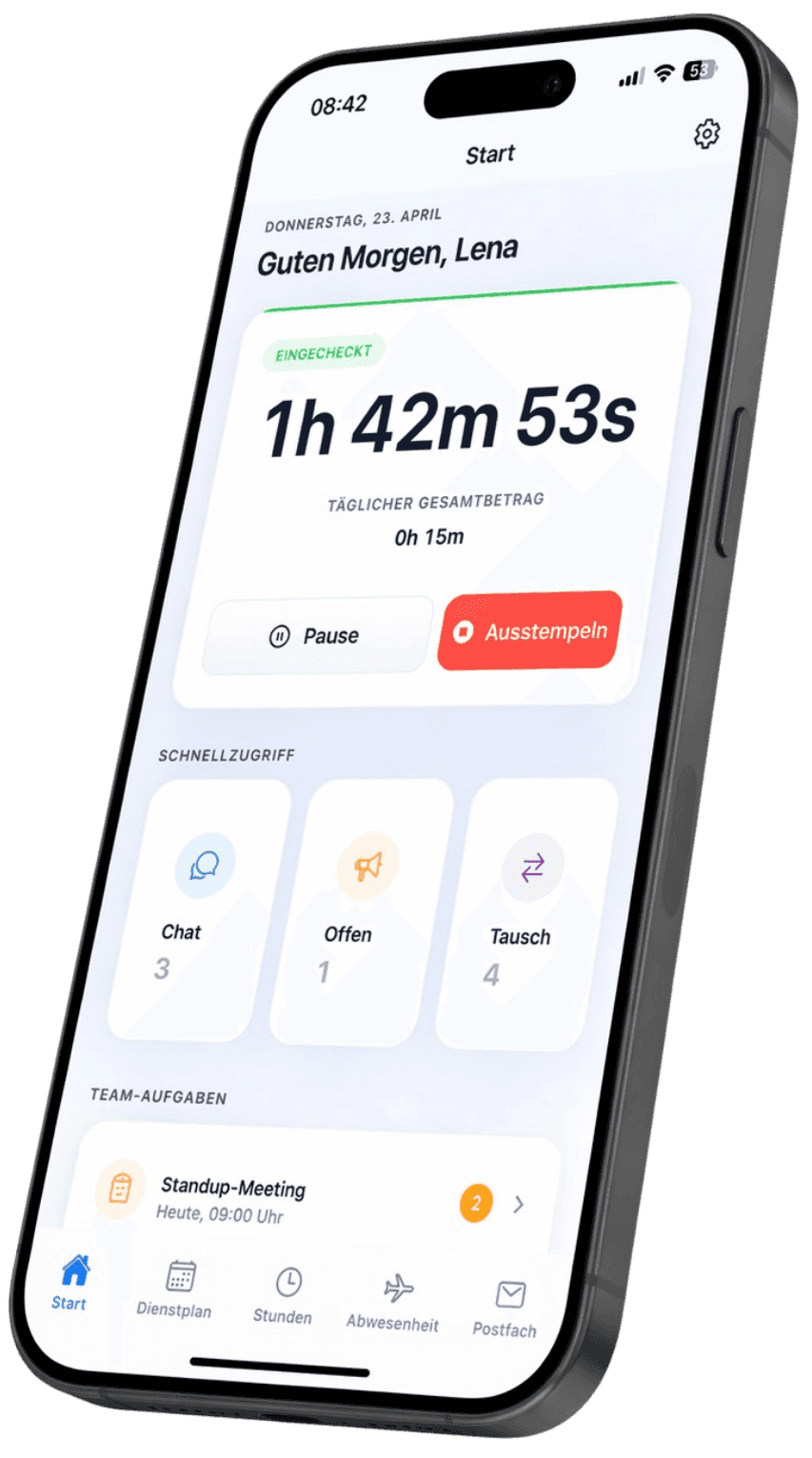
View shifts, clock in and out, request time off, swap shifts β€” all in one app. For iOS and Android. Push notifications included.

Free Β· iOS & Android Β· Push notifications Β· Works offline

Smiling employee in a green shirt relaxed while checking their schedule in the Shiftdesk app
iOS & Android
Push notifications
Works offline
Built on GDPR principles

Everything in one app β€” for employees and team leads

Shifts, time tracking, time off, and team chat right on the phone. One app, one login β€” for iOS and Android.

Employee in front of a modern building checking the schedule on their smartphone

Your schedule always with you

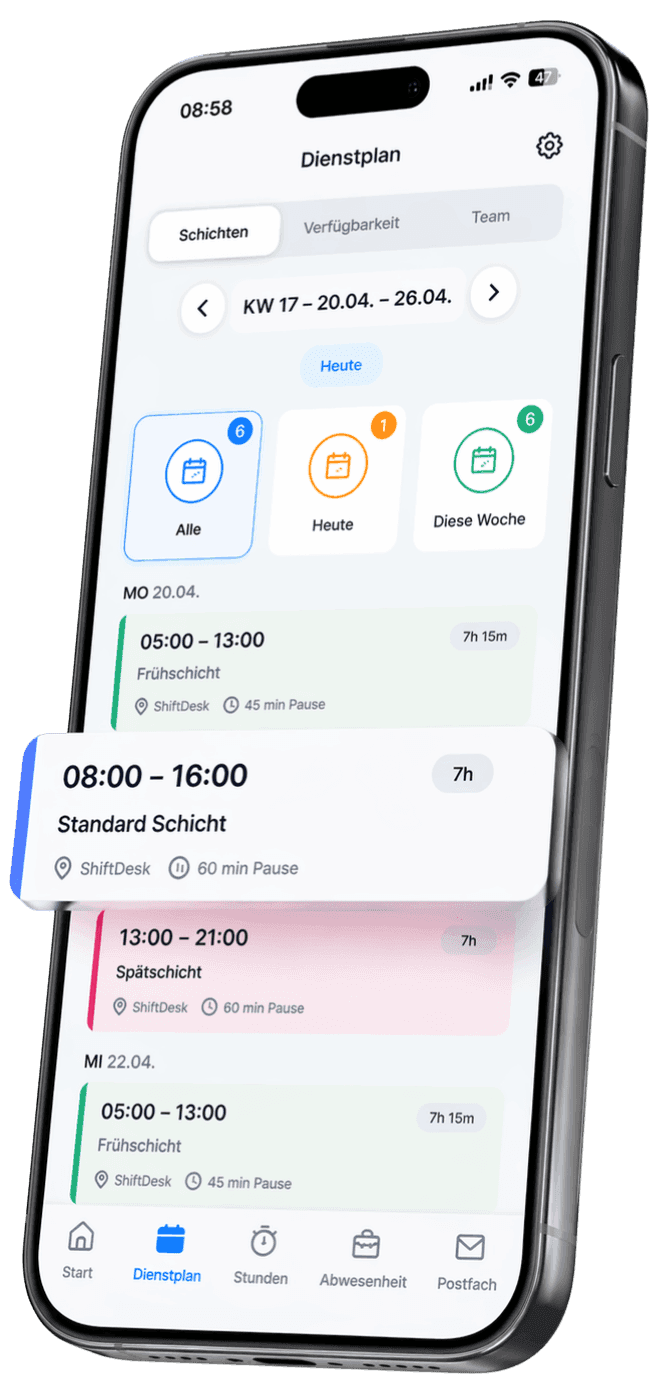
Daily, weekly, and monthly views right on your phone. Push notifications instantly let your team know when something on a shift changes β€” no photo of the bulletin board, no outdated WhatsApp screenshot.

Employee on the bus using the team chat in the Shiftdesk scheduling app

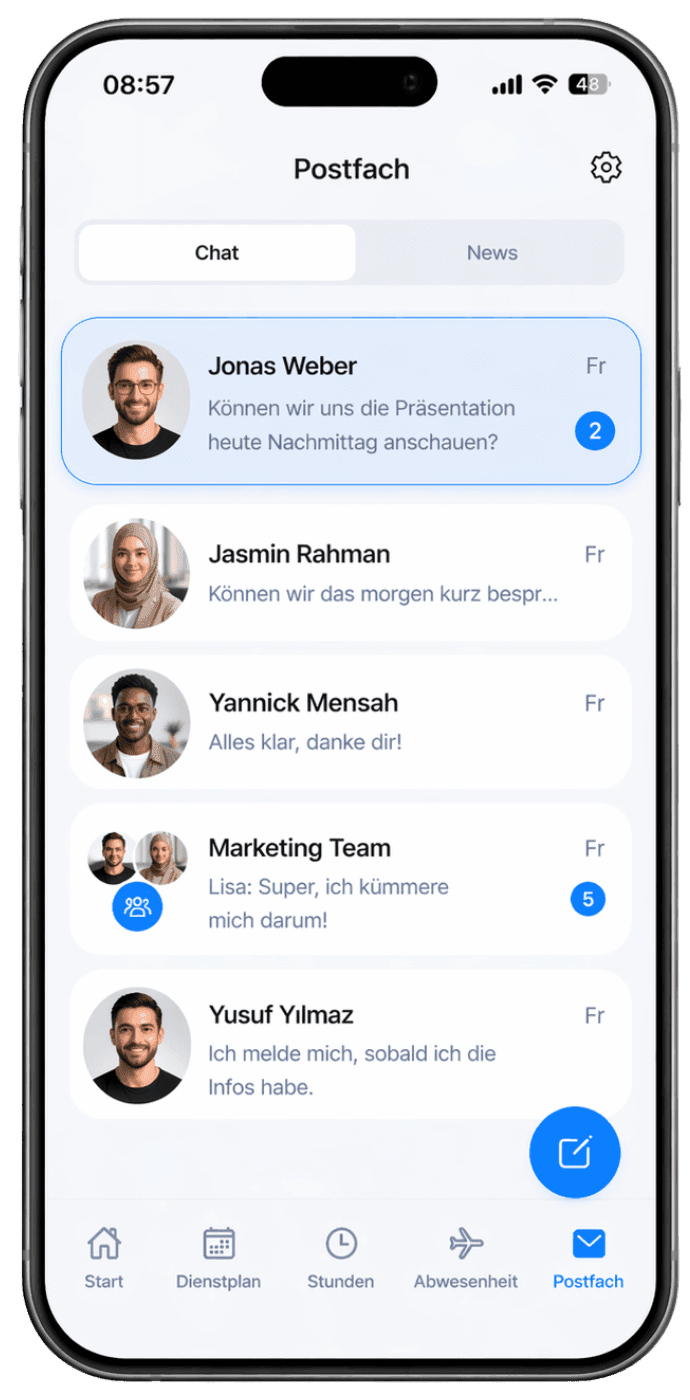
Team chat for the workplace

One-on-one and group chats right in the app β€” no more private WhatsApp groups. All messages stay within the company, employee phone numbers aren't shared around, and nothing ends up on US servers.

Employee with headphones on the bus accepting a shift swap request in the Shiftdesk app

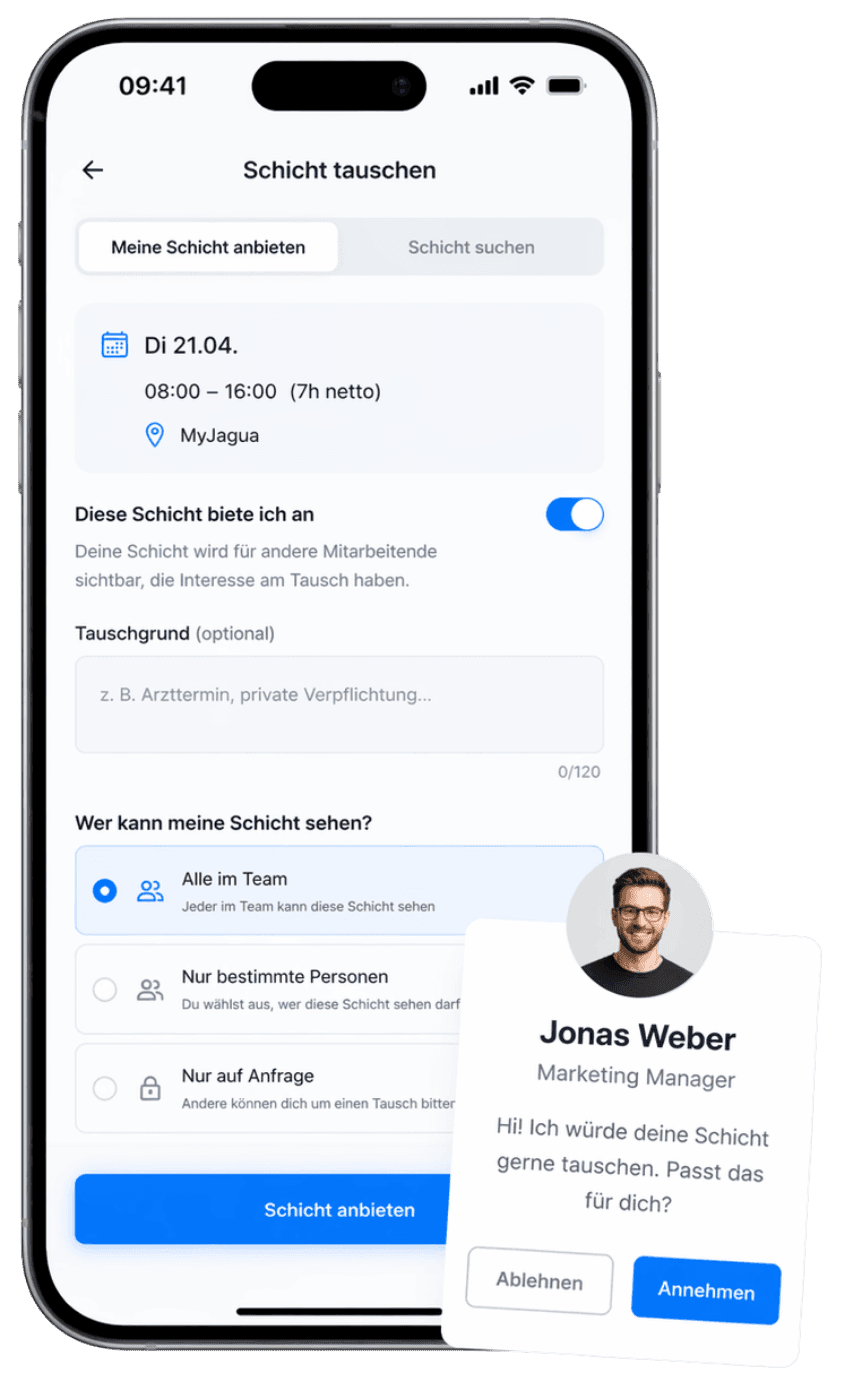
Swap shifts without calling

A coworker asks you right in the app β€” you decide with one tap. The shift lead confirms, and every action is documented with a timestamp. No phone calls, no WhatsApp back-and-forth, no note in the break room.

Employee sitting relaxed at home with coffee, requesting time off in the Shiftdesk app

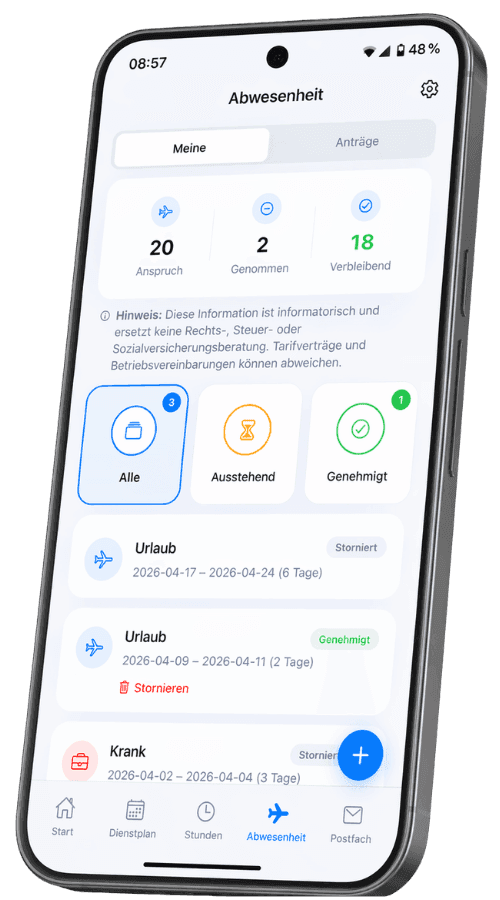
Time off & absences

Request time off from the couch: pick a date range, give a reason, submit β€” done. You can see the status anytime in the app, the shift lead gets the request via push and can approve or decline it directly.

Time tracking in the app

One-tap clock-in, even offline. The time tracking app replaces paper timesheets.

Push notifications

Schedule change, new open shift, or message β€” instantly on your phone.

Works offline

Even without Wi-Fi: view the plan and sync your clock-ins later.

Set your availability

Mark week by week when you can fill in β€” and when you can't.

For employees and team leads β€” one app, two views

Every role sees what it needs. The scheduling app shows employees their personal shifts β€” team leads see the whole team.

For employees

  • View shifts β€” day, week, month
  • Clock in and out with one tap
  • Request time off and absences
  • Swap shifts right in the app
  • Check your hours and overtime
  • Set your availability per week

For team leads

  • Assign shifts and announce them via push
  • Approve swap requests with one tap
  • Attendance and clock-ins in real time
  • Working-hours-law hints on rest periods and breaks
  • Kick off payroll prep and exports
  • Open up shifts for self-assignment

Download the scheduling app for free

Available for iPhone and Android. Included in every Shiftdesk plan β€” no add-on subscription, no in-app purchases.

App Store badgeGoogle Play badge

Available on the App Store and Google Play Β· Try the web app free for 14 days

Simple, fair pricing

A base fee plus a fair per-employee tier. All prices net, plus VAT.

The Shiftdesk app is included in every plan β€” at no extra cost.

Basic

€25

per month Β· 6 employees included

  • Shift scheduling with drag and drop
  • Time tracking (timer + manual)
  • Absences with leave balance
  • Up to 3 locations
Start free trial
Popular

Pro

€45

per month Β· 12 employees included

  • All Basic features
  • Unlimited locations
  • Payroll preparation & DATEV
  • Tablet time clock (kiosk mode)
Start free trial

Enterprise

€120

per month Β· 30 employees included

  • All Pro features
  • Public REST API
  • Budget management & custom fields
  • SLA support (8-hour response time)
Contact us
See all details and pricing calculator

All prices exclude VAT Β· Cancel anytime Β· No credit card required

What is a scheduling app?

A scheduling app is a mobile application that lets employees view their shift schedule, clock in and out, request time off, and communicate with the team. It complements browser-based scheduling with mobile access β€” for everyone who isn't sitting at a desk.

It's important to distinguish between two categories that both show up under the search term β€œscheduling app”: On one side are consumer apps like Supershift, Mein Dienstplan, or Dienstplan-Kalender. They're aimed at individuals who want to keep their personal shift overview β€” often as a widget, with color codes and PDF export. Shifts are entered manually there, with no connection to the workplace.

On the other side are team scheduling apps like Shiftdesk, Papershift, or Staffomatic. They're the mobile gateway to a workforce management platform: the schedule is created centrally by the workplace, employees see their shifts automatically, and they can swap, clock in, and request time off. These team apps solve a different problem β€” they replace paper, email, and WhatsApp as the communication channel for shifts. People who Google β€œscheduling app” often land in the consumer corner by accident and wonder why there are no team features.

Shiftdesk clearly belongs to the second category: the scheduling app is part of a complete system spanning scheduling, time tracking, and absence management β€” the scheduling app for the team, not the individual.

Scheduling app vs. WhatsApp group: why workplaces are switching

Monday, 5:30 AM. Early shift at the care home. A colleague writes in the team WhatsApp group: β€œI'm sick. Can someone cover for me?” Ten minutes later the chat explodes: suggestions, follow-up questions, screenshots of the old plan, a message from the nursing lead with a new PDF. Nobody knows anymore which version is current. The shift lead scrolls through 47 messages to reconstruct who works when.

Scenarios like this are everyday life in many shift-work businesses. A dedicated scheduling app changes the flow: the sick colleague reports being out right in the app, the shift appears as an open shift, a suitable coworker gets a push notification, takes it over with one tap β€” and the shift lead approves it. The plan is always up to date for everyone involved, the action is documented, and no private phone number is shared around.

Legally, the difference is not trivial. In WhatsApp groups, personnel data β€” sick reports, working hours, health information β€” sits on US servers. For workplace use, that's problematic under GDPR principles, especially because employee phone numbers also have to become known to one another. A scheduling app with EU hosting and role-based access closes that gap and is the cleaner communication channel for everything related to shifts.

The second advantage is documentation: every shift swap, every sick report, every time-off request is traceable with a timestamp in the app. When questions come up about payroll or overtime distribution, no one has to search through chat histories anymore β€” the app is the single source of truth.

What a good scheduling app must do: 7-point checklist

Not every scheduling app is suited for workplace use. These seven points separate good scheduling apps from mere calendar holders β€” as a guide for making your choice:

  1. 01

    Schedule in real time

    No photo of the bulletin board, no PDF attachment. A scheduling app must show the current state β€” at the very moment the shift lead changes something. Outdated versions on personal phones are the most common source of misunderstandings on Monday morning.

  2. 02

    Shift swapping right in the app

    A swap should take three taps: select the request, the coworker confirms, the shift lead approves. No phone calls, no asking around in the WhatsApp group, no follow-up via text. The scheduling app documents the action automatically β€” important as proof when hours don't match up.

  3. 03

    Time tracking integrated

    Scheduling and time tracking belong in one application. Whoever sees their plan in the app should also be able to clock in right there. The one-tap time tracking app demonstrably saves time over paper timesheets and reduces transcription errors. Even a small time-clock app on a tablet in the break room can be added this way.

  4. 04

    Time off and absences

    Time-off requests no longer belong in the HR department's inbox. Employees pick a date range and reason in the app, the shift lead gets a push notification and can approve or decline it directly. The vacation balance is visible to everyone involved at all times.

  5. 05

    Push notifications

    A schedule change, a new open shift, or a message from the shift lead β€” all of that should land on the lock screen instantly, not only the next time the app is opened. Push notifications are the reason workplaces benefit from a scheduling app in the first place.

  6. 06

    Offline capability

    Not every workplace has stable Wi-Fi: warehouse, underground garage, cold storage, care facility. A good scheduling app shows the plan even without a connection and syncs clock-ins as soon as there's reception again.

  7. 07

    Built on GDPR principles

    Personnel data deserves special protection. A scheduling app hosted in the EU avoids the legal questions that regularly come up with US servers. Shiftdesk is hosted in Frankfurt and built on GDPR principles.

Shiftdesk supports all seven points.

Try free for 14 days

The Shiftdesk app at a glance

Shiftdesk is a modern workforce management platform with an integrated scheduling app for iOS and Android. The system covers scheduling, time tracking, and absences. For planners there's the browser version with drag-and-drop scheduling, and for complex shift models the shift planner. For mobile time tracking and the digital time clock, you'll find more in the overview of time tracking. For fixed locations, Shiftdesk Terminal offers a dedicated tablet time clock where the whole team clocks in without their own account. The guide β€œCreating a schedule β€” step by step” provides practical background on getting started.

Frequently asked questions about the scheduling app

Is the scheduling app free?β–Ό
The Shiftdesk app is included in every plan β€” at no extra cost. Plans start at 25 EUR per month plus VAT (Basic plan with 6 employee seats). You can try Shiftdesk free for 14 days, with no credit card required.
Which devices is the app available for?β–Ό
The Shiftdesk scheduling app is available for iOS (iPhone, iPad) and Android (smartphone, tablet). There's also a full-featured browser version for building schedules on the desktop. Employees can use the app, while planners and HR usually prefer working on the big screen.
Can I track time with the app too?β–Ό
Yes. The app includes a full-featured time tracking app with one-tap clock-in, automatic break calculation, and a running hours balance. It also works offline β€” clock-ins are synced afterward as soon as a connection is available again.
Can employees swap shifts with each other?β–Ό
Yes. Employees send a swap request to a coworker through the app. Once that coworker confirms, the request goes to the shift lead for final approval. Everything runs traceably in the app β€” no phone calls, no WhatsApp back-and-forth, no note in the break room.
How does the scheduling app support GDPR requirements?β–Ό
Shiftdesk is hosted in Frankfurt and built on GDPR principles. Personnel data stays in the EU. A data processing agreement (DPA) is available for all B2B customers. You'll find details on subprocessors, access rights, and encryption in the privacy policy.
Do I need the app, or is the browser enough?β–Ό
Both work. The app additionally offers push notifications, offline access, and faster launch from the home screen. For creating and editing schedules we recommend the browser version on the desktop; for employees in their day-to-day, the app is usually the better choice.

Ready for better shift scheduling?

Start your 14-day free trial now β€” free and no credit card required. Or book a personal demo.

Scheduling App – Shifts, Time Tracking & Absences | Shiftdesk