Employee time clock app & digital time clock – mobile or PIN tablet.
Employees clock in via the iOS/Android app or a shared PIN tablet. Owners and HR review time entries in the browser.
Active internet connection required · No credit card · Hosted in Frankfurt
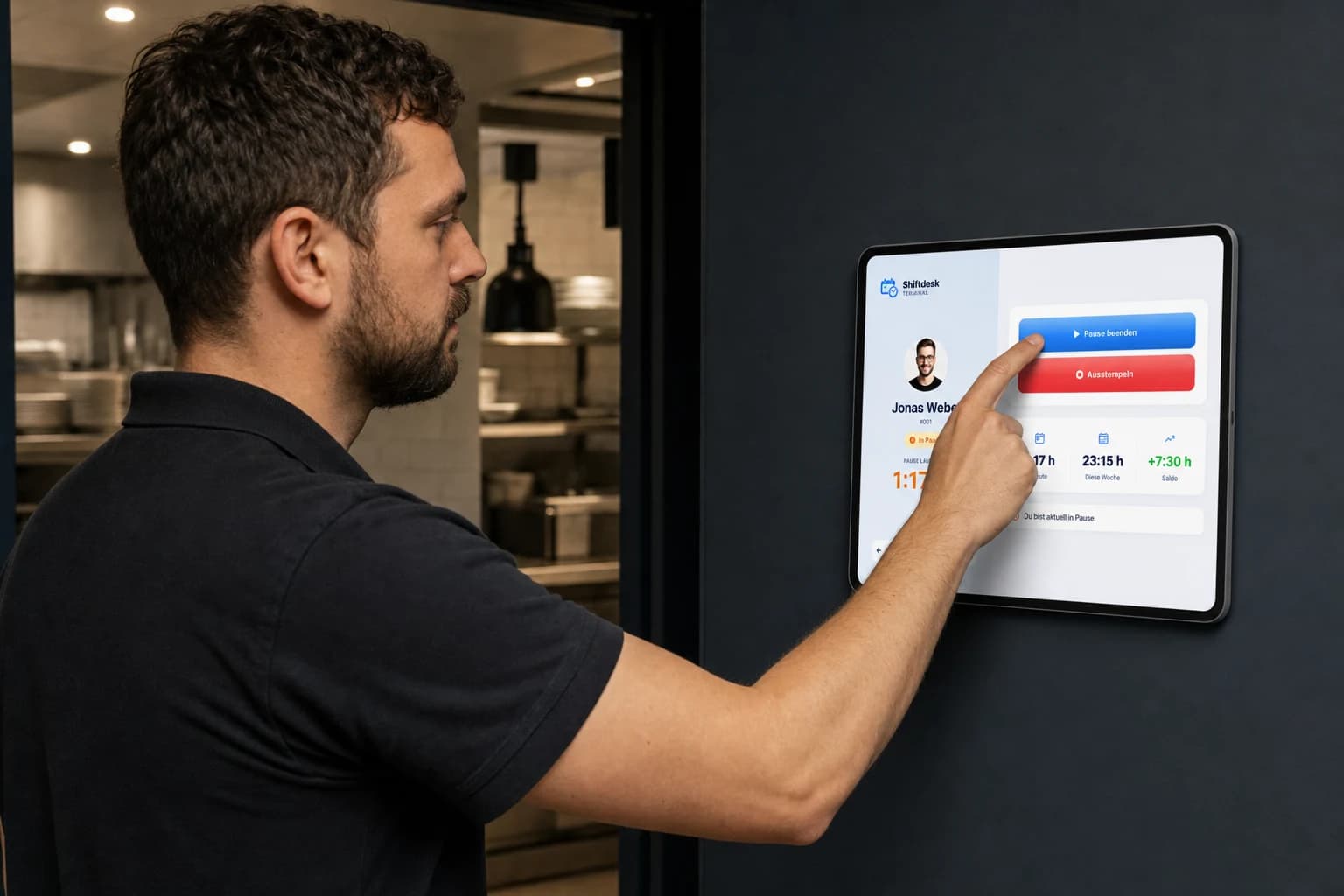
Clock in by app or PIN tablet, review time entries in the browser
Web dashboard
Owners and HR review time entries in the browser; no general employee access.
Explore time trackingTablet terminal
From Pro: employees clock in with a personal PIN on a shared tablet.
Explore the PIN tabletWhat the Shiftdesk digital time clock can do
Start, finish & breaks
Employees record the start and end of work and breaks by app or PIN tablet.
Break records and rules
Configured break deductions support reviews; they do not prove that a break was taken.
Hours account from Pro
Review scheduled and recorded time as well as positive and negative hour balances.
Assigned to the schedule
Scheduled and clocked times are available in one system for review.
CSV time record export
Owners and HR export recorded time as CSV for payroll preparation.
Review and approval
Owners and HR review, approve or edit open corrections and back-entries.
Checking breaks for a shift by hand? The free Break & rest period calculator works out the ArbZG minimum break and rest period instantly. For legal guidance, see working time recording and ArbZG guidance.
Real product interface
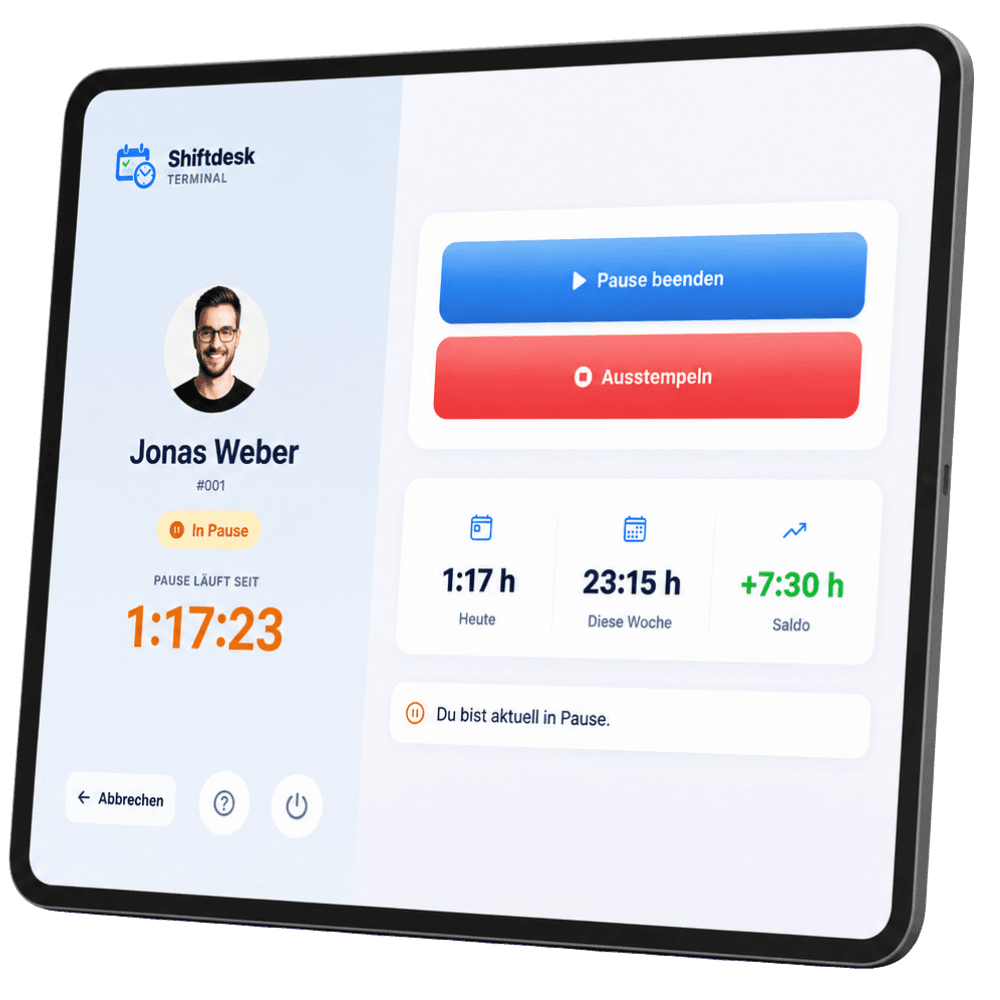
Clock status, break and balance directly on the tablet
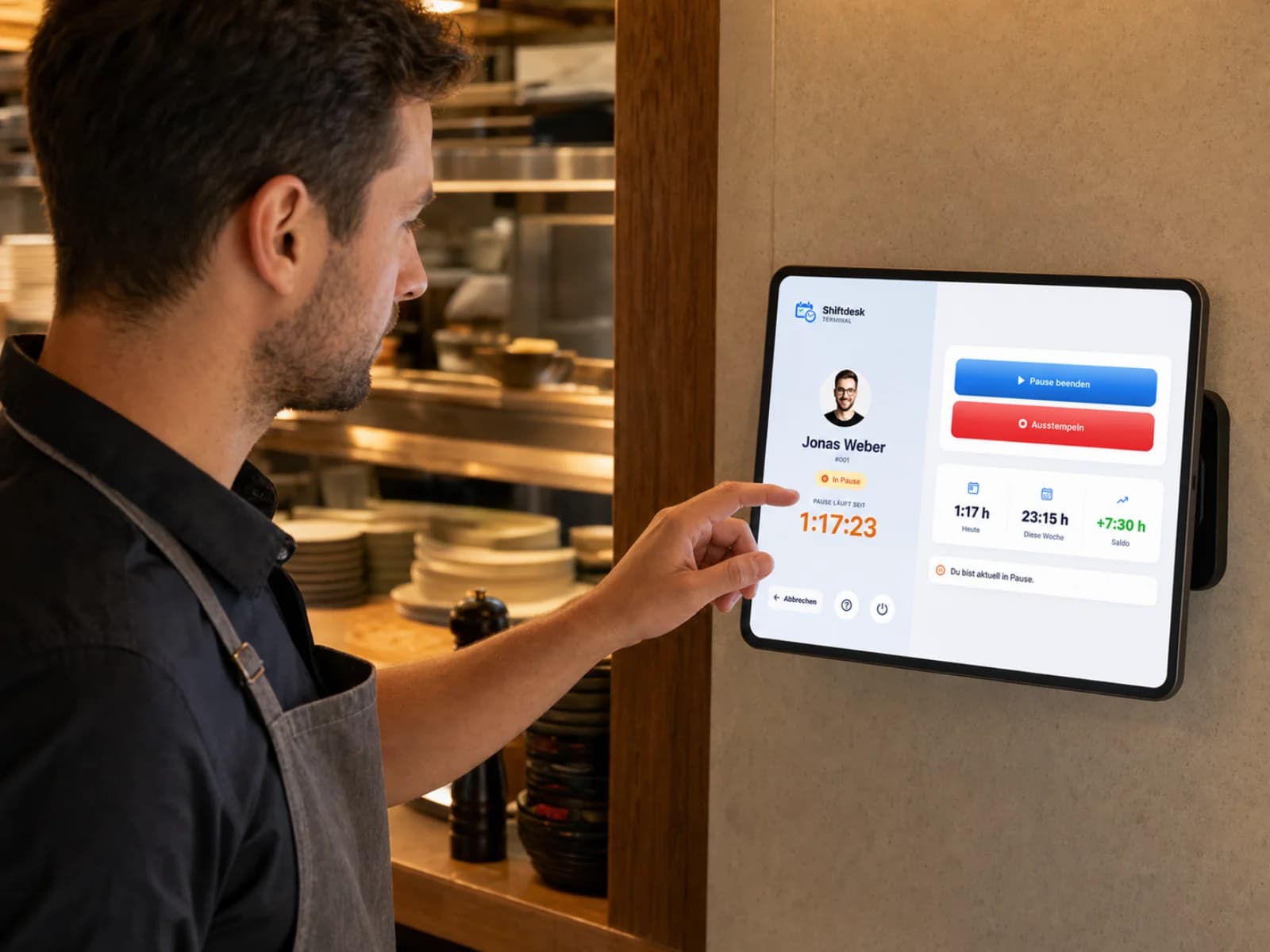
After signing in with their PIN, employees see their current status. Owners and HR then review the recorded time in the web dashboard.
Current status
Clocked in or on a break
Personal PIN
Shared terminal from Pro
Hour balance
Hours account from Pro
Digital time clock for shift-based businesses

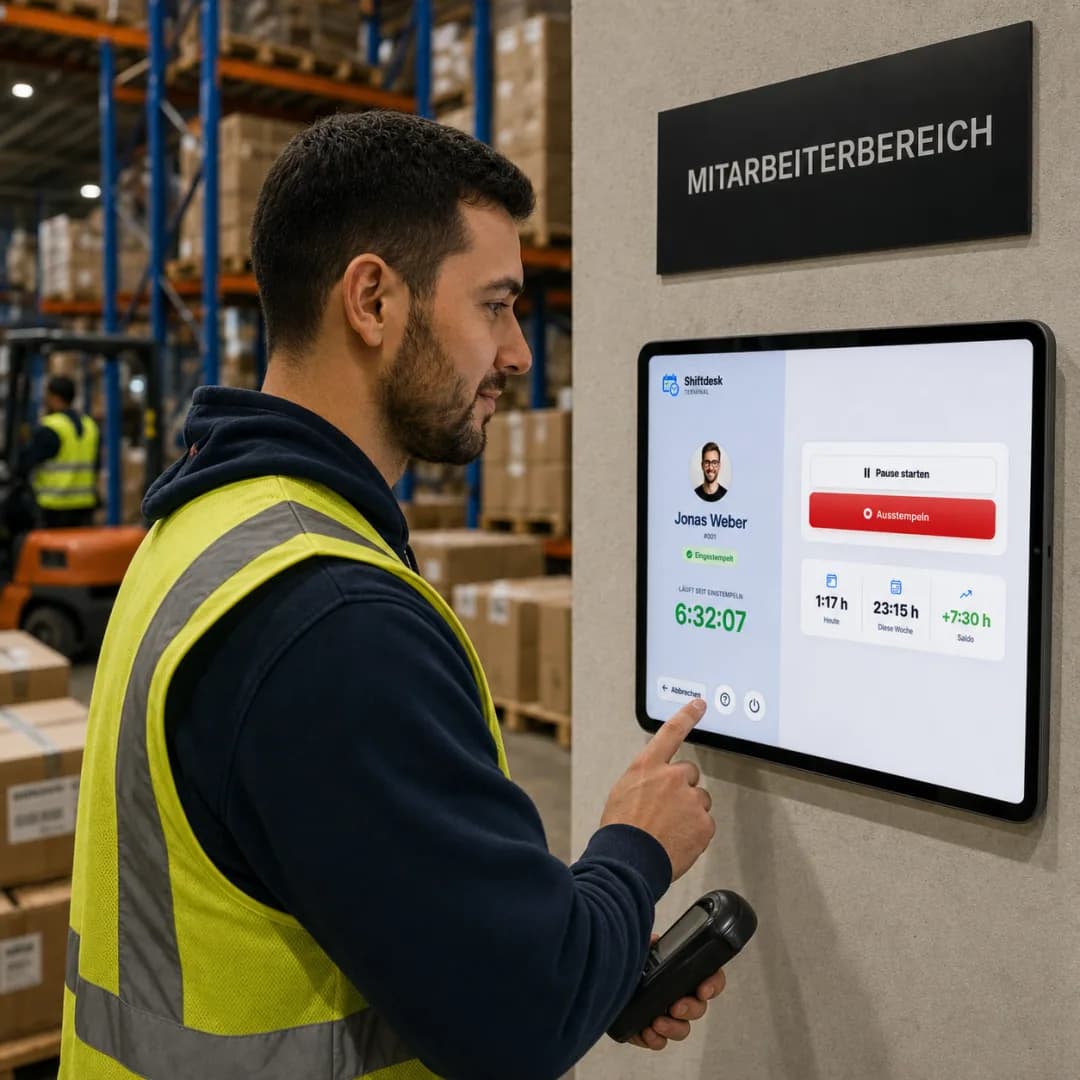
Plans for the app and tablet terminal
The employee app is included in every plan; the PIN tablet and hours account start with Pro.
Basic
per month · 6 employees included
- Shift scheduling with drag and drop
- Time tracking (timer + manual)
- Absences with leave balance
- Up to 3 locations
Pro
per month · 12 employees included
- All Basic features
- Unlimited locations
- Payroll preparation & DATEV
- Tablet time clock (kiosk mode)
Enterprise
per month · 30 employees included
- All Pro features
- Public REST API
- Budget management & custom fields
- SLA support (8-hour response time)
All prices exclude VAT · Cancel anytime · No credit card required
What is a digital time clock?
A digital time clock – also called a time clock app or digital punch clock – records the start and end of work and breaks. With Shiftdesk, employees clock in on the iOS/Android app or, from Pro, with a personal PIN on a shared tablet. The browser is for owners and HR to review records; it is not general employee self-service.
A software solution uses existing smartphones and tablets and connects clock records with the published schedule. Devices, power and an active internet connection are still required. The guide to the digital time clock explains which recording method can fit your business.
Shiftdesk is built for small and medium-sized shift-based businesses that want to review schedules and clock records in one system. It is not a personal time tracker, project time tracking tool or offline time clock. If the connection is lost, no clock record is queued; the action must be completed online.
Time clock app vs. classic punch clock
A fair comparison depends on the device and connected software. These differences can guide the decision:
| Criterion | Digital time clock | Hardware punch clock |
|---|---|---|
| Cost | Basic from €25/mo net; 6 employees included | Purchase and operation vary by device |
| Flexibility | Employee app; PIN tablet from Pro | Usually tied to one location |
| Hours account | Available in Shiftdesk from Pro | Depends on software and integration |
| GDPR | Shiftdesk hosting in Frankfurt | The business remains responsible |
| Maintenance | Software updates; devices still required | Device, supplies and repairs |
| Schedule link | Schedule and clock records in Shiftdesk | Only with a suitable integration |
Time clock and schedule: connect planned and actual time
In Shiftdesk, scheduled target times come from the published schedule and actual times from assigned clock records. Owners and HR review open corrections and approval status. This reduces manual transfers without treating unreviewed records as correct.
From Pro, approved actual time is compared with target hours in the hours account. The full business process is explained on our working time tracking for shift-based businesses page.
Find details on recording modes, review status, month-end review and exports under time tracking software with an hours account.
Frequently asked questions about the digital time clock
What is a digital time clock?
How does the Shiftdesk time clock app work?
Is a digital time clock required by law?
Does the time clock app need an internet connection?
Does Shiftdesk track location continuously?
What do the time clock app and PIN terminal cost?
Do I need special hardware for the time clock?
How are clock records connected with the schedule?
Try the time clock app for 14 days
Start your 14-day trial now – free and without a credit card.