Digital Time Clock: Everything Companies Need to Know in 2026
App, browser or shared tablet? Three business examples, prerequisites and current plan limits help you choose a digital time clock.
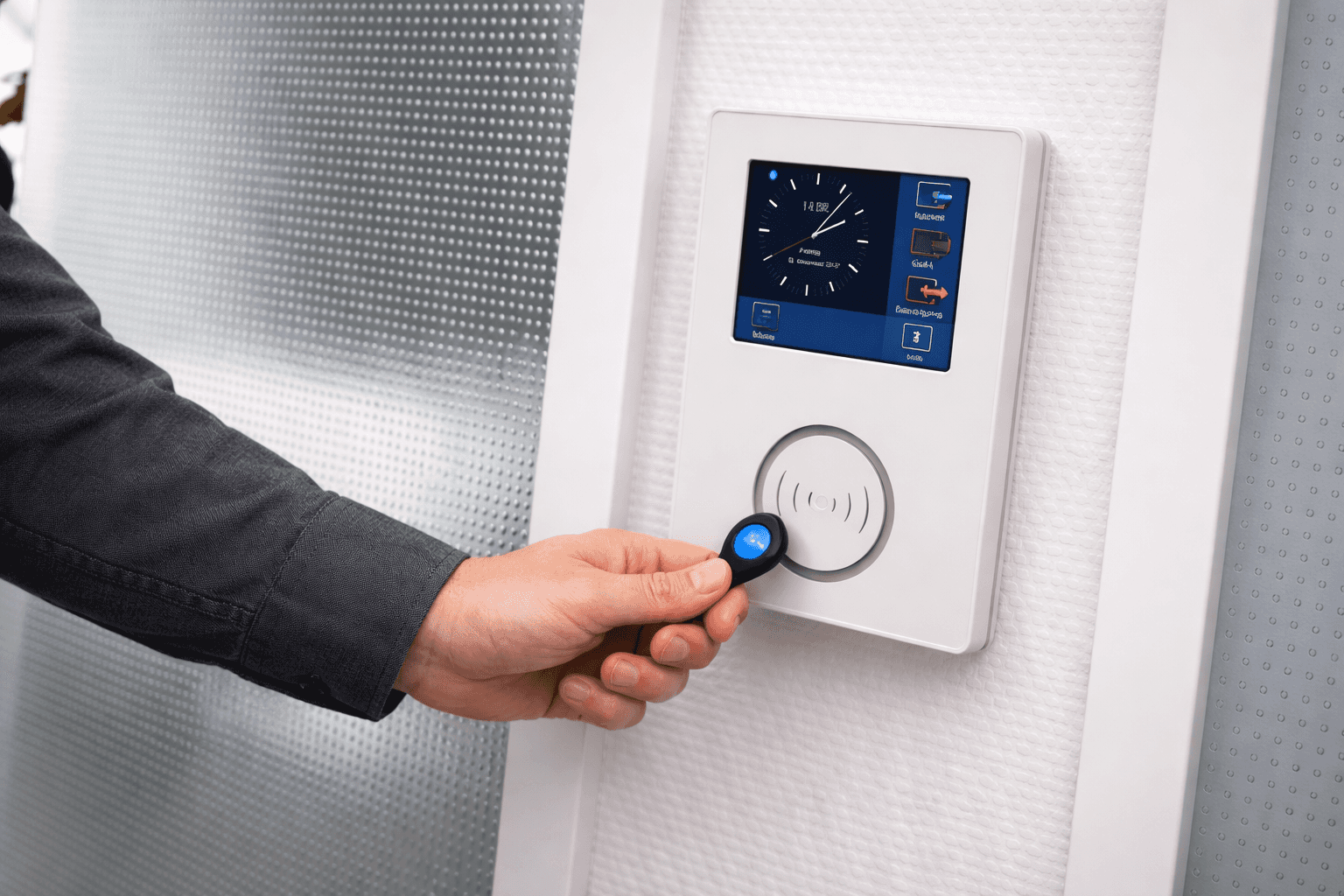
Should your team clock in on their own smartphones, at an office PC or on a shared tablet? The right digital time clock depends on where people work, which devices they can use and who checks missing or incorrect entries.
This article explains how a digital time clock works, compares the three recording methods using fictional business examples, and gives you seven selection criteria. Connected hardware terminals are part of the comparison too.
What is a digital time clock?
A digital time clock records work start, finish and breaks electronically. The interface can be on a smartphone, PC, tablet or specialist terminal. Whether those records feed working-time accounts, reports or payroll preparation depends on the software, settings and plan.
Software vs. hardware: the difference
Software time clock (digital): App on the smartphone, web interface in the browser or tablet at the entrance. Existing devices may be suitable if the operating system, internet connection and conditions of use fit. Storage and further processing depend on the selected system.
Hardware time clock: A physical device on the wall. Employees clock in using cards or chips, for example. A modern terminal can transmit data directly to time-tracking and scheduling systems. Older or standalone devices may require an export. Check the actual interface instead of assuming missing features from the type of device.
How does a time clock app work?
Employees sign in and record the start, breaks and finish of their workday. The software processes entries according to the configured rules. A forgotten break or missed clock-out still needs resolving. Shiftdesk app users need a personal account and internet; the responsible managers review entries and corrections.
Is a time clock mandatory? What the law says
In Germany, the Federal Labour Court decision 1 ABR 22/21 generally requires a system for recording actual working time. It does not prescribe an electronic time clock in every case; paper records may suffice depending on the work and business. A schedule alone does not show actual hours worked.
Section 17 of the German Minimum Wage Act (MiLoG) adds recording obligations for marginal employment outside private households and for employees in the industries it specifies. Exceptions and applicability need checking. Read more in our article on the time-tracking obligation in 2026.
Assess recording and overtime pay separately
Time records alone do not determine which overtime must be paid. Under the Federal Labour Court judgment 5 AZR 359/21, the employer's involvement in causing the overtime remains one of the matters to establish. The recording duty does not automatically reverse the burden of proof. Seek employment-law advice for a specific case where needed.
3 methods: app, browser or tablet terminal
The table describes typical uses. Offline functionality depends on the specific product, not the device type. Shiftdesk requires internet for all three methods. Shiftdesk employees use the personal app or Terminal; the web dashboard is available only to authorised management roles.
| Method | Best for | Advantages | Check beforehand |
|---|---|---|---|
| Time clock app (iOS/Android) | Mobile teams, changing workplaces | Clocking on a personal device | Devices, personal account, connection at the workplace |
| Browser time clock | Office, home office, agency | Use of an existing PC | Check access role; Shiftdesk limits this to authorised management roles |
| Tablet terminal | Reception, warehouse, production | Shared device with personal PIN | Location, plan, device compatibility, internet |
Many businesses combine several methods: an app for mobile teams, the browser for the office, a tablet at the entrance. What matters is that all data flows together into a single central system.
Phone or shared tablet? Three fictional business examples
These examples are invented and are not customer references. They show which prerequisites you can check before making a decision.
- Café with eight employees: Everyone starts at the same location; clocking should not require private phones. A shared tablet with personal PINs is a suitable option. Check Wi-Fi at the mounting point, power supply and whether several arrivals in a row can be handled without a bottleneck.
- Cleaning business with twelve employees: The team starts directly at different client sites. An app may fit if suitable devices, personal accounts and internet are available. Clarify location assignment and the process for connection problems. A tablet at headquarters does not capture a work start at a remote site.
- Workshop with five employees and an office: An authorised manager can use the web dashboard in the office, and the workshop a shared tablet. Shiftdesk employees without dashboard access use the app or Terminal. Check usability at the actual workplace and suitable protection where needed. A small employee count does not replace these checks; Shiftdesk Terminal requires at least Pro even for a small team.
Tablet as a punch-in terminal: Shiftdesk Terminal for iPadOS and Android
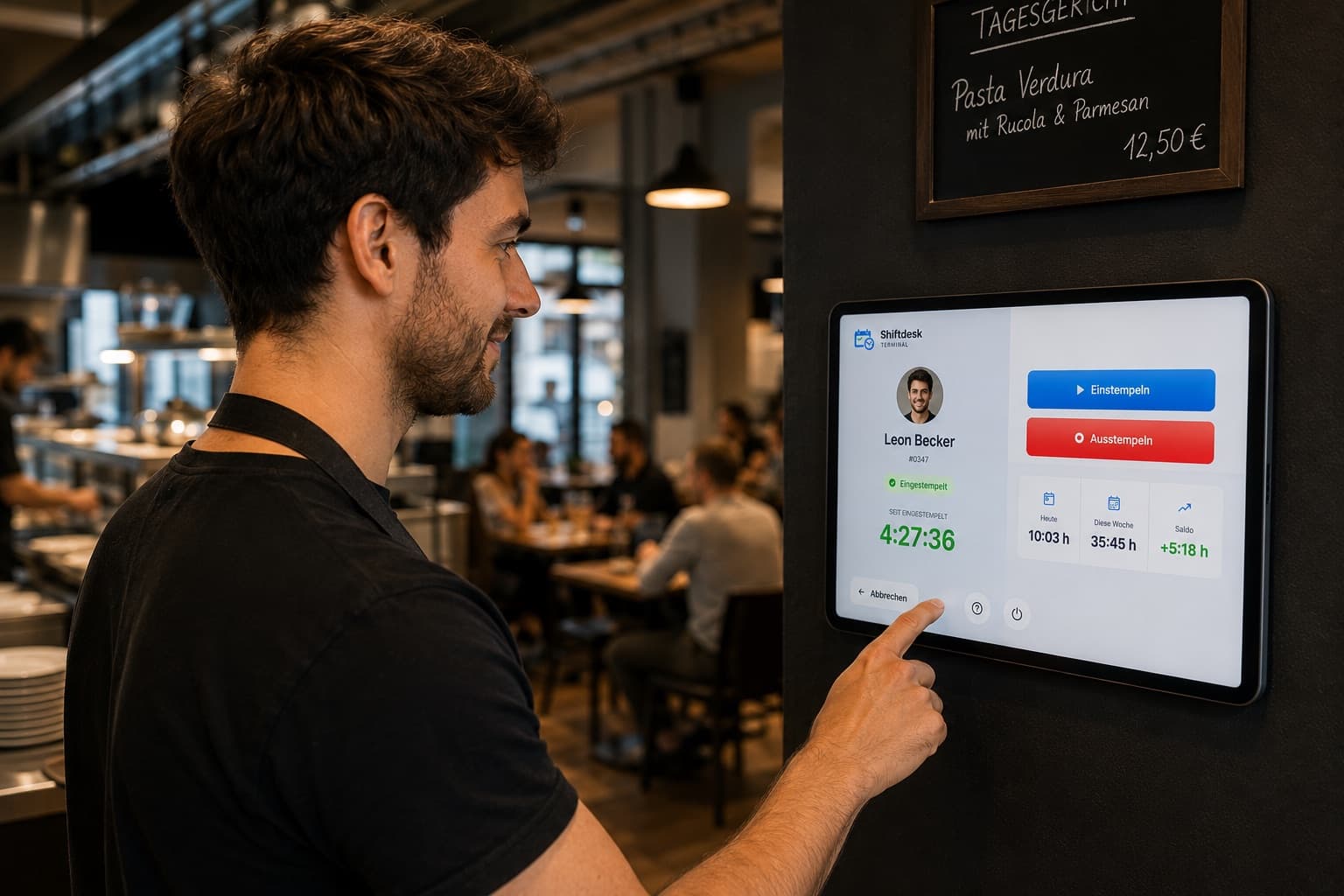
For the third method, Shiftdesk offers its own solution: Shiftdesk Terminal turns a compatible iPad or Android tablet into a central time clock at your location. Employees select their name or enter their employee number, confirm with their personal four-digit PIN, and clock in or out, including breaks. An employee record in the business is needed; a personal app login or private smartphone is not. Terminal is included from Pro, in Enterprise and during an active Pro trial. It requires internet; offline entries with later synchronisation are not supported.
The terminal is permanently assigned to a location, so every punch is assigned to that configured location, without a GPS check on the device. The device administrator can manually restrict the tablet to the Terminal app (Guided Access on iPadOS, screen pinning on Android). On request, the employee list shows only numbers instead of names; profile photos appear only if the employer explicitly enables them. Hosting is, as always with Shiftdesk, in Frankfurt. The Terminal app is available on the Apple App Store (iPad) and Google Play (Android tablets).
To set it up, an admin first saves the kiosk password in the time-tracking settings and then enables the kiosk. Next, connect the Terminal app using the company slug and kiosk password, select an active location and provide personal PINs. Check device requirements in the relevant store; the help article explains how to set up a tablet as a time clock terminal.
Shiftdesk Terminal
One tablet on the wall — your whole team clocks in.
- ✓ Clock in by PIN, no personal app login needed
- ✓ Available for compatible iPads & Android tablets
- ✓ From Pro, with internet at the location
Software and hardware time clocks: what to compare
| Criterion | App, browser, tablet | Specialist terminal |
|---|---|---|
| Cost | Licence, possible devices, setup and operation | Device, possible licence, accessories, setup and operation |
| Workplace | Personal device or shared clocking point | Usually a shared clocking point; check suitability on site |
| Working-time account | Depends on software and plan; Shiftdesk from Pro | Depends on the connected system |
| Schedule integration | Check connection and recording mode | Check interface with the scheduling system |
| Data protection | Check access, legal bases and processing | Check access, legal bases and processing |
| Maintenance | Manage updates, device condition and connection | Manage updates, device condition and any accessories |
Compare total costs, not just device prices
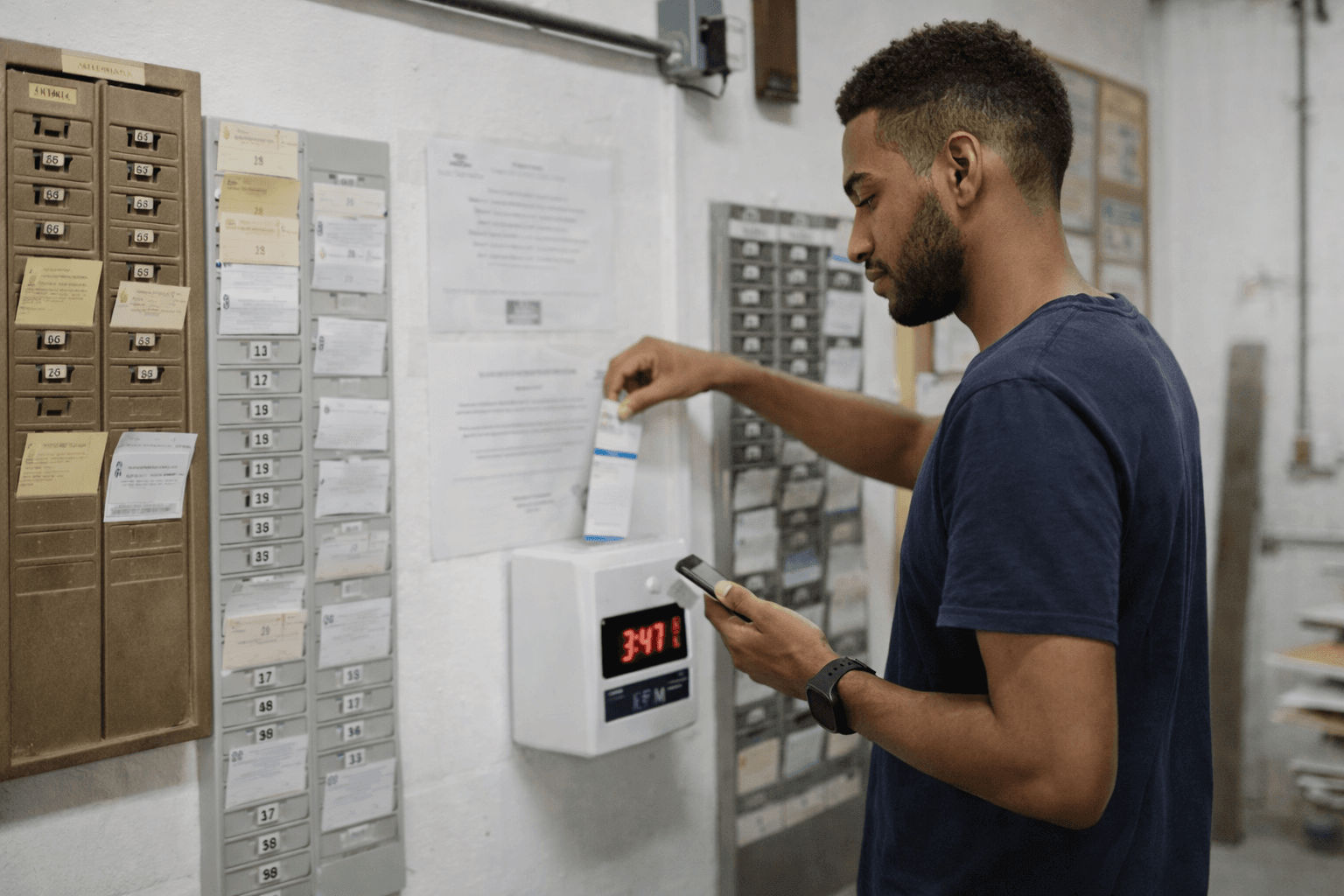
Compare licences, devices, setup and ongoing administration for the same team size and time period. An app does not automatically save money, and a hardware terminal does not automatically require manual data transfer. Suitability at the actual workplace matters, especially with dirt, moisture or particular access requirements.
What do the app and tablet terminal cost with Shiftdesk?
On monthly billing, Shiftdesk Basic costs €25 per month including 6 employees; each additional person costs €2.50 per month. Time tracking is included from Basic: employees use the app, while authorised management roles also have access to the web dashboard. The tablet terminal and working-time account are included in Pro and Enterprise. Pro costs €45 per month including 12 employees, then €3.90 per additional person per month. All prices exclude VAT; a tablet and its running costs may be additional.
Find further plan details and annual billing on the current Shiftdesk pricing page. Decide which recording method and features your team needs first, then calculate costs using your actual employee count.
Digital time clock and scheduling: why they belong together
A scheduled shift is not yet a record of the work actually done. Shiftdesk provides the schedule and time tracking in one system. Which hours are considered depends on the configured recording mode. Contractual target hours, scheduled shifts and clocked hours should be checked separately in the pilot. A working-time account for managing balances is included from Pro. Setup does not replace checking missing entries or incorrect master data.
Time clock + schedule in one system
Try it free for 14 days – no credit card required.
7 criteria for choosing a digital time clock
Devices and connection
Can everyone clock in at their actual workplace? Check personal accounts or terminal PINs, device compatibility and internet, as well as the fallback process for an outage.
Breaks and corrections
Can actual breaks be recorded clearly? Check the configured break rule and a missed punch. A calculated deduction does not prove a break was taken.
Working-time account and target hours
Which contract values form the basis for positive and negative balances? Check a full period including an absence and correction. Shiftdesk includes the working-time account from Pro.
Schedule integration
How does the system handle differences between a scheduled shift and an actual entry? Check recording mode and approvals using a specific workday.
Data protection and access
Check data processing arrangements, access rights and deletion rules. EU hosting alone is insufficient. For location data, assess the legal basis, necessity and proportionality; Shiftdesk Terminal does not use GPS.
Payroll preparation export
Do the export format, personnel numbers and mappings match the payroll system? Have a sample export checked. Shiftdesk payroll preparation and DATEV export are included from Pro.
Responsibility and approval
Who reviews missing entries, who corrects them and who approves the period? Agree on a process and test that the responsible people have the required permissions.
You can find a comprehensive comparison in the article Time-Tracking Software Compared.

Introducing a digital time clock: how to get started
Choose your punch-in method
Decide based on workplace and access rights. Shiftdesk employees use the app; authorised management roles can also work in the web dashboard. A tablet terminal provides a shared clocking point at the location.
Set up the system and add employees
Prepare locations, employees, contracts and the recording mode. For Shiftdesk Terminal, save the kiosk password first, then enable the kiosk. Check the plan and internet connection at the intended location.
Trial run with a pilot group
A small group records start, actual breaks and finish. Check a missed punch, the correction process and approval. If the connection fails, do not assume the entry was saved.
Rollout and training
Invite app users or provide personal terminal PINs. Explain clocking, breaks and who to contact about errors; try the process together.
First review and fine-tuning
Compare recorded hours with the pilot team and check corrections. If using a working-time account, also check target hours and the balance; Shiftdesk includes the working-time account from Pro.
Frequently asked questions about the digital time clock
What is a digital time clock?
A system employees use to record the start, finish and breaks of their work electronically. It can be an app, a browser interface, a tablet or a connected hardware terminal.
Is a time clock required by law?
For Germany, the Federal Labour Court established a general duty to introduce a working-time recording system in 2022. Decision 1 ABR 22/21 does not require an electronic device in every case. Additional requirements depend on factors including the employment arrangement and industry.
How much does a time clock app cost?
On monthly billing, Shiftdesk Basic costs €25 per month including 6 employees; each additional person costs €2.50 per month. Time tracking is included from Basic: employees use the app, while authorised management roles also have access to the web dashboard. The tablet terminal and working-time account are included in Pro and Enterprise. Pro costs €45 per month including 12 employees, then €3.90 per additional person per month. All prices exclude VAT; a tablet and its running costs may be additional.
Is there a free time clock?
Shiftdesk offers a free 14-day Pro trial without a credit card. It is not a permanently free plan. When comparing other offers, check included employees, recording methods and export options, as well as possible device costs.
Do I need hardware or is an app enough?
An app can suit teams with suitable smartphones and internet at the workplace. A shared tablet terminal is an option for clocking without employee phones. Specialist hardware can be useful in particular environments; its connection must suit the rest of the system.
Can the time clock be linked to the schedule?
Shiftdesk connects scheduling and time tracking. How scheduled and clocked hours are considered depends on the selected recording mode. Contractual target hours are not the same as the scheduled shift duration. A working-time account for managing balances is included from Pro.
Can employees clock in without their own phone?
Yes. Shiftdesk Terminal requires an employee record and a personal four-digit PIN. A personal app login is not required. The business needs Pro or Enterprise, or an active Pro trial, a compatible iPad or Android tablet, and internet.
Does Shiftdesk work without internet?
Clocking via the Shiftdesk app, browser and Terminal requires an internet connection. Offline punches with later synchronisation are not supported. Agree on a fallback and correction process for connection failures.
Conclusion
Choose the recording method to suit the workplace: personal device, office PC or shared clocking point. Then check the plan, connection, corrections and further processing of the hours. A pilot covering a full workday tells you more than a feature tick in a comparison table.
If you want to try a digital time clock for your business, take a look at Shiftdesk – 14 days free, no credit card required.
This article is for general information only and does not constitute legal advice. The legal section concerns Germany and the primary sources linked there. Different rules apply in Austria and Switzerland. Employment arrangements, industry and workplace agreements may require a separate assessment.
The Shiftdesk team writes about scheduling, time tracking and labor law in the DACH region — practical and easy to follow.
Related to this topic
Take the next step with the relevant Shiftdesk solution or a free tool.
More articles
How to Compare Time Tracking Tools: A 10-Point Checklist for SMEs
Compare time tracking tools against your workflow: 10 criteria, concrete pilot cases and checks from clocking in to payroll handoff.
Time-Tracking Obligation 2026: What Employers Need to Know and Do Now
The obligation to record working time already applies — even without a new law. What the BAG ruling means, which form is permitted, and how to act correctly as an employer right now.

Managing a working-time account: overtime, negative hours and target/actual time
How to keep a working-time account properly — with target-actual comparison, overtime rules, negative-hours handling and practical tips for getting started.