Industry solution
Staff scheduling for commercial cleaning
No credit card required · Built on GDPR principles
Book a demo- Hosted in Frankfurt (EU)
- Cancel monthly
- 256-bit encryption
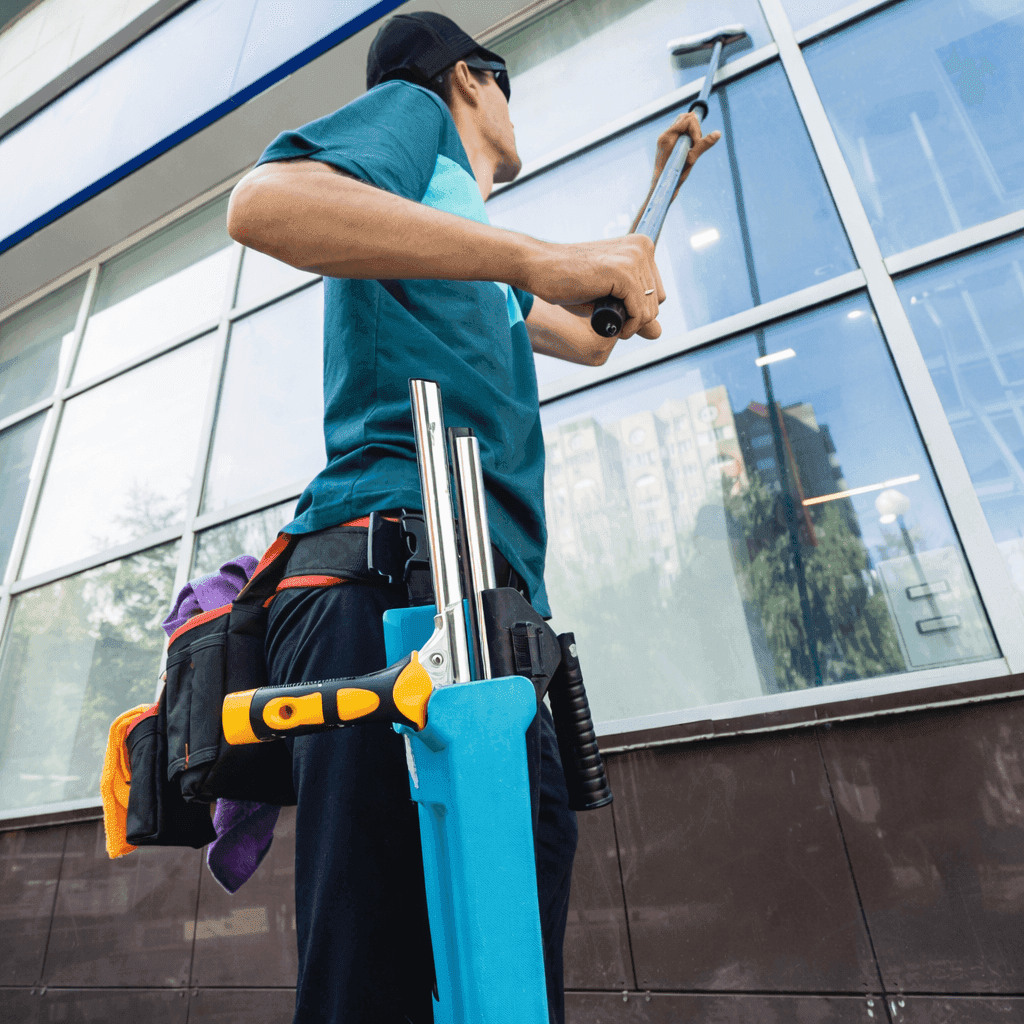
Plan early and late shifts for your cleaning sites, consider the availability of part-time and Minijob staff, and arrange cover when someone is absent. Your team sees published shifts with their location and times in the employee app.
* Informational notes based on statutory default values. Not legal advice. Collective-bargaining, company-specific and industry-specific special rules must be reviewed on your own responsibility.
Challenges of staff scheduling in commercial cleaning
Every business knows these problems — Shiftdesk solves them digitally.
Many part-time and Minijob staff
Cleaning teams are often made up largely of part-time staff and Minijobbers with different hour quotas.
Changing cleaning sites
Employees work at different sites — scheduling has to work across all of them.
Early and late shifts
Office cleaning before 7 a.m. or after 6 p.m. — unusual working hours are the norm.
Short-notice absences
When someone is absent before an early shift, availability, existing shifts and the requirements at the site all need to be considered.
Travel times between sites
When employees work at several sites, the schedule needs to allow enough time for travel.
Working hours for payroll preparation
Start times, end times and breaks need to be recorded clearly and reviewed before payroll preparation.
Staff scheduling in commercial cleaning – how it works with Shiftdesk
Plan shifts by site and review recorded hours. The product views and example overlays illustrate the workflow; they do not show a customer’s business.
Multi-site schedule for office, maintenance and glass cleaning
Plan early and late shifts with the correct location. Consider availability and contracted hours before assigning employees.
- Work site, times and required staffing for each shift
- Review availability and existing shifts
- Assign open shifts with manager approval
- Allow for travel between sites when planning
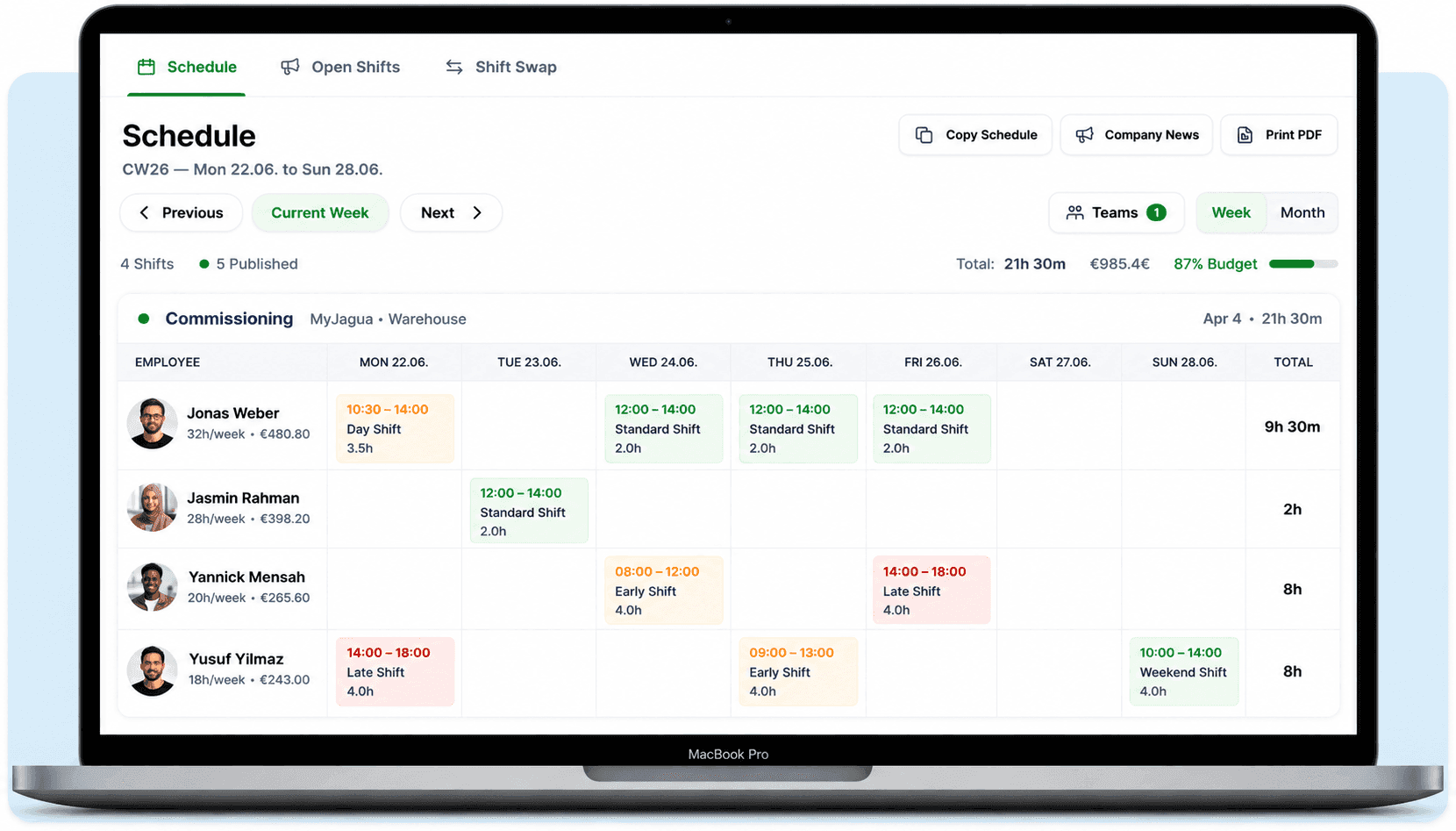
Review recorded hours for payroll preparation
Review your cleaning team’s recorded hours and breaks. Hours accounts and DATEV export support payroll preparation from Pro.
- Review start times, end times and breaks
- Check time entries before preparing payroll
- From Pro: hours accounts and DATEV export
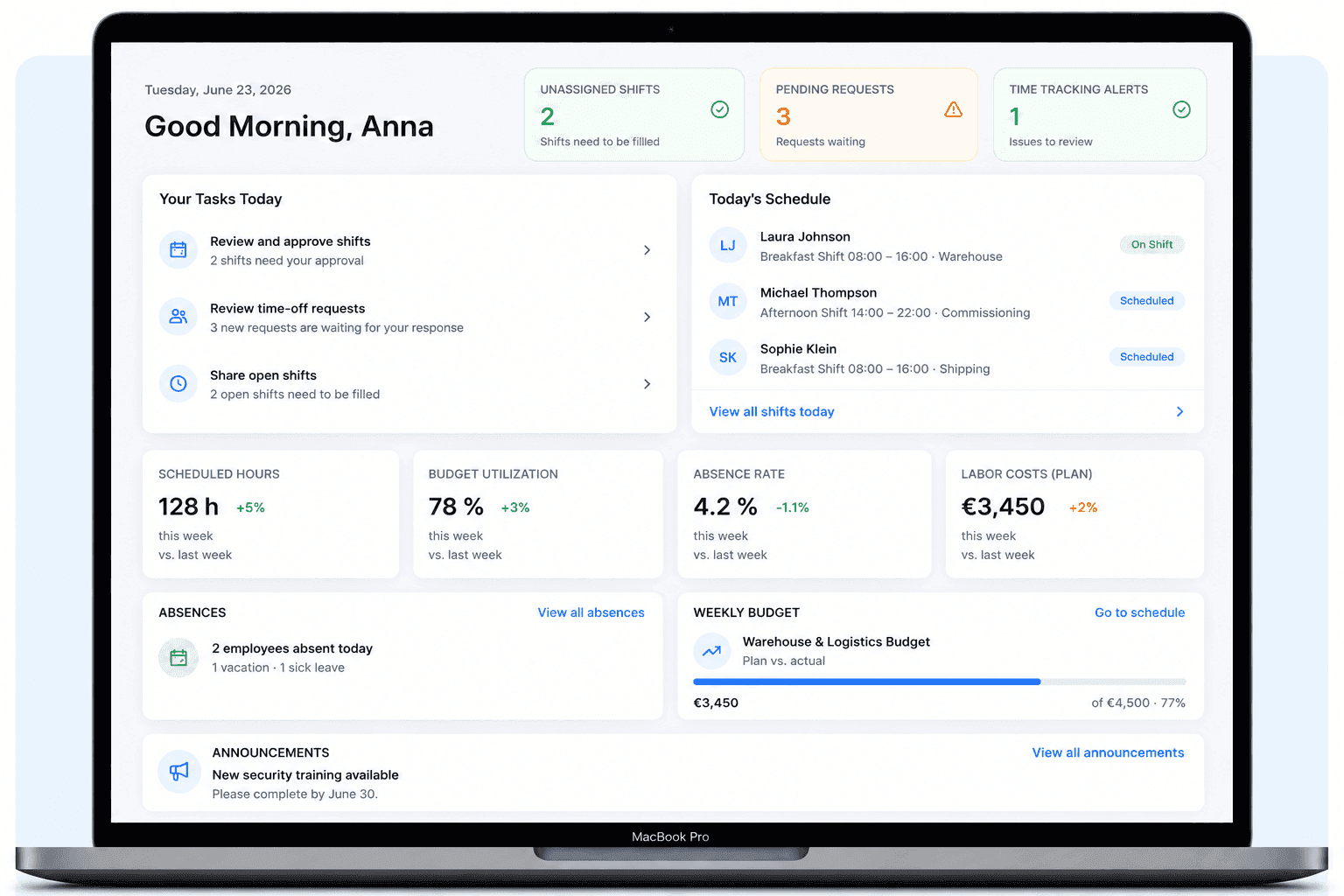
How Shiftdesk supports workforce planning in commercial cleaning
Multi-site scheduling
Create separately managed sites as locations. Choose the work site, times and required staffing for each shift.
Mini-job notice system
A notice when the earnings threshold is approaching — so you keep the mini-job limit in view.
Mobile time tracking on site
Cleaners record start times, end times and breaks in the app when time tracking is configured. An internet connection is required.
Hours account
From Pro: review each employee’s positive and negative hours balance and use it when planning ahead.
Cover planning
Review availability and advertise unfilled duties as open shifts. In approval mode, you decide who is assigned.
DATEV export
From Pro: prepare reviewed hours and wage types for DATEV export. Cost centers can be assigned after setup.

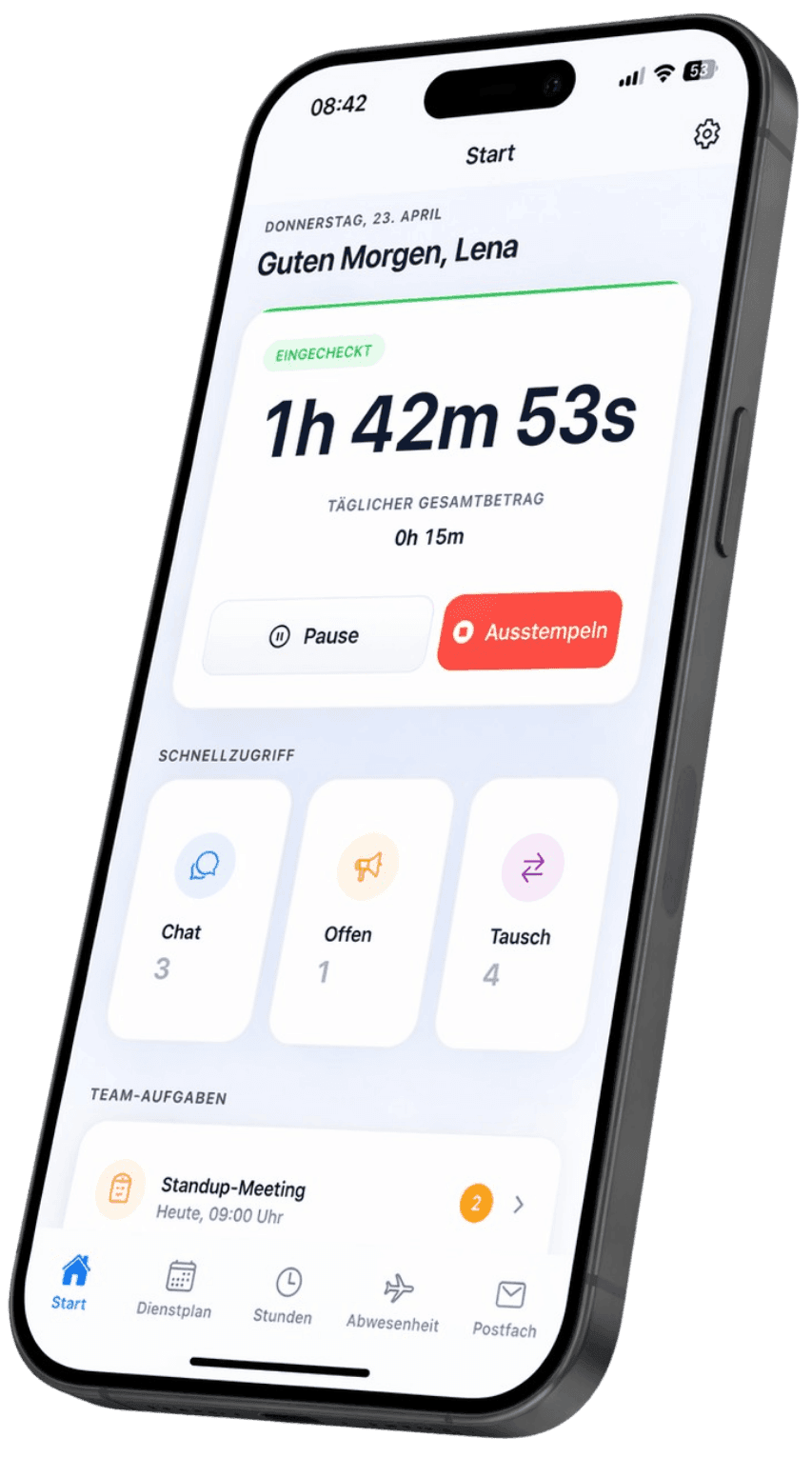
Staff-scheduling app for cleaners
View published shifts with their location and times, maintain availability and request shift swaps in the employee app.
Shift swaps with approval
A cleaner offers their shift for a swap. If a colleague accepts, the responsible manager reviews and approves the swap.
View the published site schedule
The app shows assigned shifts with their location and times. Notifications about shifts and changes depend on the enabled settings.
Download for free — now on the App Store and Google Play


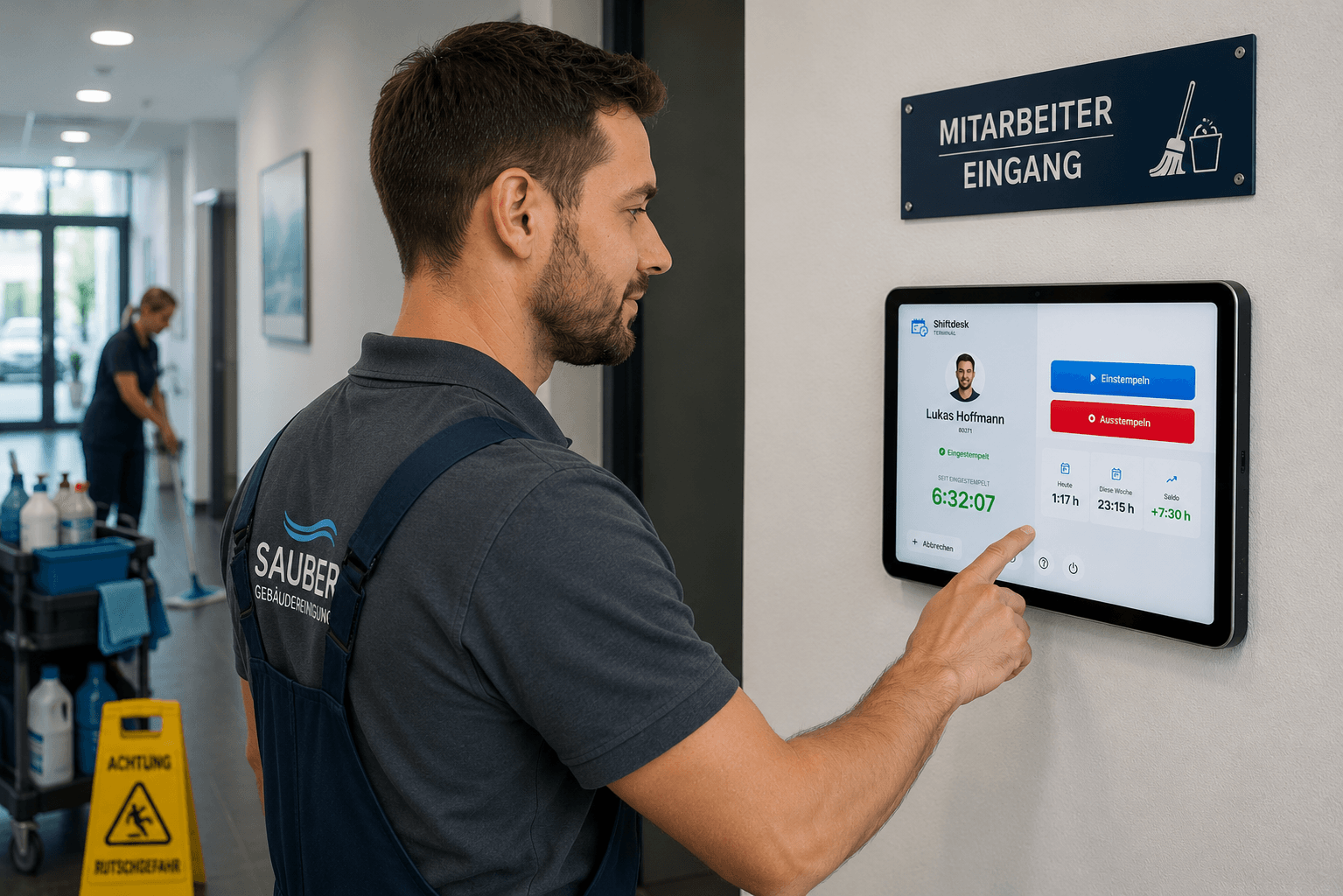
Tablet time clock for commercial cleaning
Record arrival, departure and breaks at the configured site terminal using a PIN, without a personal smartphone. The tablet time clock is included from Pro.
Clock in by PIN at the site entrance
Select a name or employee number and enter the personal PIN. An employee record is required; a personal app login is not.
Assign the terminal to its site
During setup, the tablet is linked to a location. Provide an internet connection at the site and check the assignment before first use.
Get it now — on the App Store and Google Play
Staff and workforce scheduling in commercial cleaning
Office cleaning before opening, routine cleaning in the afternoon and stairwells in the evening: commercial cleaning schedules combine different working times and contracted hours. In Shiftdesk, you assign shifts to a location and plan staffing for each cleaning site.
The employee app supports planning: your team sees published shifts, maintains availability and can apply for open shifts. Review recorded working hours before preparing payroll. Pro adds hours accounts and DATEV export.
Organize several cleaning sites in one schedule
Create separately managed cleaning sites as locations and assign the correct location to each shift. This distinguishes an early office-cleaning shift from an evening stairwell shift in the schedule. When someone moves between sites, also check that the plan allows enough travel time.
Availability and cover for absences
For short-notice absences, review existing availability, absences and shifts. An open shift lets employees express interest. In approval mode, the responsible manager decides who is assigned. Availability information does not replace a confirmed commitment.
Part-time work, Minijobs and recorded hours
Consider contracted hours and recorded availability when planning staff. Shiftdesk provides notices about the Minijob earnings limit and documents recorded hours. Review the entries and notices before preparing payroll; they do not replace an individual legal assessment.
Example: three cleaning sites and short-notice cover
Fictional planning example: a team of six cleaners looks after two office buildings and one residential stairwell. One person is unavailable for the early shift at West Office.
- 1
Assign sites and shifts
Create separately managed cleaning sites as locations. Set up early and late shifts with the correct location, times and required staffing.
- 2
Check availability before assigning staff
Check who can work at the required time, their contracted hours and existing shifts. Allow enough travel time when someone moves between sites.
- 3
Advertise cover with manager approval
Advertise the unfilled shift as an open shift using the approval mode. Employees express interest; the responsible manager reviews the application and assigns the shift.
- 4
Publish the updated schedule
Check the location, times and staffing, then publish the updated schedule. The assigned cleaner sees the shift in their app and records their hours using the configured time-tracking method.
Fictional example explaining the workflow; not a customer reference or a promise of how quickly cover will be found.
Frequently asked questions
How do I organize several cleaning sites?
How do I arrange short-notice cover?
Can part-time staff enter their own availability?
Does Shiftdesk automatically account for travel between sites?
Does Shiftdesk warn when the Minijob limit is approaching?
How are working hours recorded at a cleaning site?
Does every cleaner need a smartphone?
Discover all features
Ready for better shift scheduling?
Start your 14-day free trial now — free and no credit card required. Or book a personal demo.